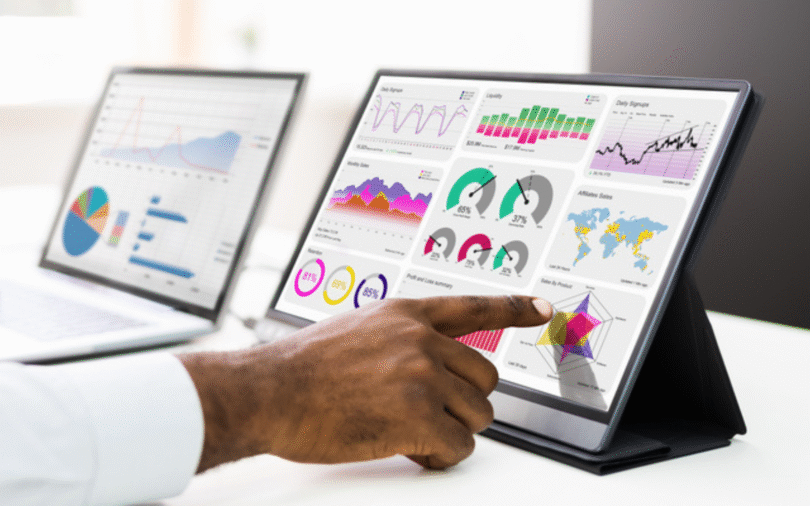
Looker Studio blends allow teams to combine data from multiple sources into a single dashboard, offering a holistic view of marketing performance. However, blending errors can introduce inconsistencies that mislead analysis and decision-making. Identifying these errors early is crucial to maintaining reporting accuracy.
Many teams rely on Studio blends audit tools to verify joins, calculations, and data alignment, reducing errors while maintaining confidence in blended reports.
Understand Blend Structures
Before auditing, teams must understand the structure of their blends:
- Identify all data sources involved in the blend
- Determine the key dimensions and metrics being joined
- Map how each source contributes to calculated fields
- Document the blend configuration for reference
Common Blend Errors to Watch For
Errors often occur due to misconfigured joins or inconsistent data. Typical issues include:
- Mismatched join keys causing missing or duplicated rows
- Metrics calculated incorrectly due to aggregation mismatches
- Data from sources with different update schedules
- Inconsistent naming conventions across sources
Validate Data Consistency
Once blends are understood, teams should check that the data is consistent across all sources.
Steps for validation:
- Compare blended metrics with individual source reports
- Verify aggregation methods for metrics like sum, average, or count
- Check for null or missing values that may skew results
- Use sample datasets to test calculations before full-scale reporting
Implement Routine Checks
Regular monitoring prevents errors from affecting live dashboards.
Recommended practices:
- Schedule automated refreshes for each source
- Set alerts for discrepancies in key metrics
- Document any deviations and corrective actions
- Encourage team reviews of critical reports periodically
Review Calculated Fields
Calculated fields often introduce subtle errors if not verified correctly.
Best practices:
- Validate formulas with known datasets
- Check for discrepancies between blended totals and source totals
- Use descriptive field names to prevent confusion
- Maintain documentation of all calculated fields for future audits
Encourage Cross-Team Collaboration
Cross-functional collaboration improves detection and resolution of blending errors:
- Involve analysts, marketers, and operations teams in audits
- Share insights and validation findings across teams
- Establish accountability for maintaining blend integrity
- Conduct training sessions to improve understanding of complex blends
Leverage Analyzer Tools
Using Studio blends audit tools automates many of these processes, saving time and improving accuracy.
Benefits:
- Detect mismatched joins or missing data in real time
- Automatically reconcile blended metrics with source values
- Reduce manual verification workload
- Maintain historical logs of blend configurations and audits
Scaling Blend Accuracy
To manage multiple dashboards and blends efficiently, organizations adopt centralized platforms. Platforms like the Dataslayer reporting platform offer:
- Consistent metric definitions across dashboards
- Automated verification of blends and calculations
- Real-time alerts for anomalies or inconsistencies
- Centralized collaboration for multi-team reporting
- Historical tracking to prevent recurring issues
Maintain Long-Term Reliability
Ongoing maintenance ensures blends remain accurate:
- Periodically review all blend configurations
- Update calculated fields as campaigns evolve
- Document audit results and corrective actions
- Train new team members on auditing and verification processes
- Integrate feedback loops to refine reporting continuously
Future-Proofing Blended Dashboards
Blends will evolve as new data sources are added or campaigns scale. Teams should:
- Keep blend rules flexible for future updates
- Align metrics and dimensions consistently across sources
- Regularly validate new data sources before integration
- Periodically reassess all dashboards to maintain relevance
Final Thoughts
Auditing Looker Studio blends is critical to accurate reporting and actionable insights. By understanding blend structures, validating consistency, reviewing calculated fields, and leveraging Studio blends audit, teams can maintain reliable dashboards.
Platforms like Dataslayer reporting platform centralize blend management, improve collaboration, and scale verification processes, ensuring marketing decisions are based on accurate, trustworthy data.